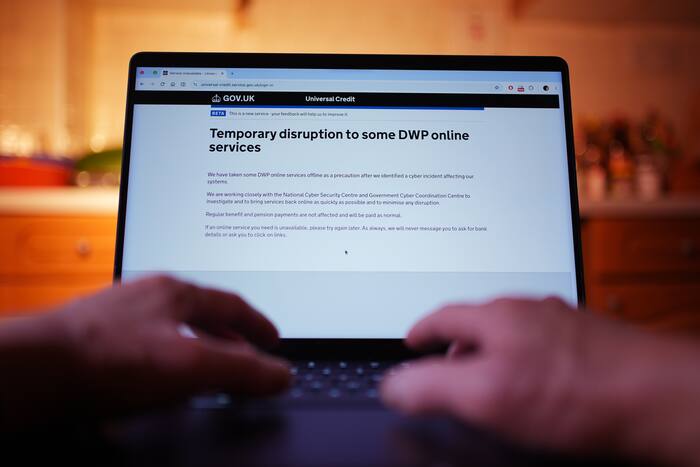
Your entire workday screeches to a halt. Outlook won't sync, Teams drops calls, and vital documents in OneDrive refuse to open. That is exactly what millions of people experienced during a massive global disruption that dragged past the twelve-hour mark, leaving businesses scrambling and basic administrative functions paralyzed.
When Microsoft 365 goes dark, the modern corporate world realizes just how fragile its digital dependency really is. Let us look at what happened behind the scenes, why initial fixes failed, and what this ongoing reliance on cloud infrastructure means for everyday operations.
The Twelve Hour Blackout That Stalled Global Work
It started quietly on a Thursday night. Reports flooded Downdetector as more than one hundred thousand users across the United States, Japan, Singapore, and parts of India encountered failed logins and empty inboxes. Exchange Online mailboxes became completely unreachable.
Initially, corporate communications pointed toward an unexpected surge in traffic volume. Organizations assumed people were simply logging in more than usual. But the truth turned out to be far more alarming.
Microsoft later clarified that the issue wasn't caused by a sudden traffic spike. Instead, a critical cluster of backend servers went unexpectedly offline. This sudden server unavailability threw an unbearable strain onto the remaining infrastructure, creating a compounding bottleneck that standard traffic redistribution couldn't fix.
Why Fixing Cloud Infrastructure Takes Time
When a cloud giant stumbles, people expect an instant reset button. But modern enterprise software doesn't work that way. Microsoft engineers tried pushing rapid serviceability patches, only to admit publicly that those changes were not taking effect as expected.
Fixing a distributed cloud architecture is like performing open-heart surgery on a running engine. You cannot just flip a switch without risking data corruption or cascading regional failures. Engineers had to shift gears entirely, hunting for alternative workstreams to inject fresh computing capacity into overloaded frontend servers.
Meanwhile, the ripple effects hit the physical world in strange and frustrating ways. Reports surfaced of local systems grinding to a halt, including a US jail that temporarily couldn't process prisoner releases because staff couldn't verify electronic bond records without their digital tools. When enterprise software fails, the consequences move far beyond annoyed office workers missing meeting invites.
The Danger of Putting All Your Eggs in One Digital Basket
Companies pay millions of dollars annually for cloud-based workplace ecosystems because they promise reliability and uptime guarantees that internal servers cannot match. Yet incidents like this expose the terrifying single point of failure inherent in centralized tech stacks.
When your email, chat, storage, word processor, and spreadsheet tools all live under one corporate roof, a single server failure takes out your entire business personality. You cannot message your team. You cannot check client emails. You cannot access shared files. You are completely grounded.
Most organizations lack an effective continuity plan for total cloud blackouts. They assume five-nines reliability means zero downtime. Experience shows us otherwise. Hardware fails, code updates glitch, and traffic management imbalances happen.
What You Can Do When the Cloud Goes Down
You cannot control Microsoft's server farms. But you can stop letting a single provider hold your operations hostage.
First, keep offline emergency contacts handy. If Teams goes down, your remote team needs an alternative communication channel that lives on a completely different infrastructure provider.
Second, train your team on local file habits. Relying solely on cloud storage without local syncing means a backend crash locks you out of your own active projects.
Finally, accept that outages are a feature of modern computing, not an anomaly. Build redundancy into your workflows before the next unexpected alert hits your status page.